

|
Name |
PDF Editor |
|---|---|
|
Google Play Link |
GET IT ON
Google Play
|
|
Category |
Tools |
|
Developer |
Desygner Pty Ltd |
| Last version | 6.4.3 |
|
Updated |
|
|
Compatible with |
Android 5.0+ |
What is PDF Editor APK?
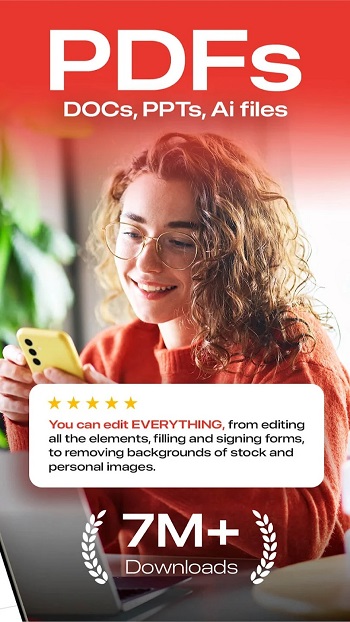
PDF Editor is a mobile utility tool designed for Android devices, offering an all-in-one solution for editing and managing PDF files on the go. This app brings professional-level editing capabilities to your fingertips, making document work easier for students, professionals, and anyone who deals with digital files.
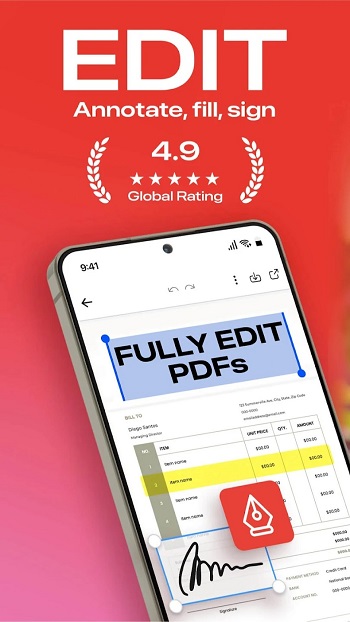
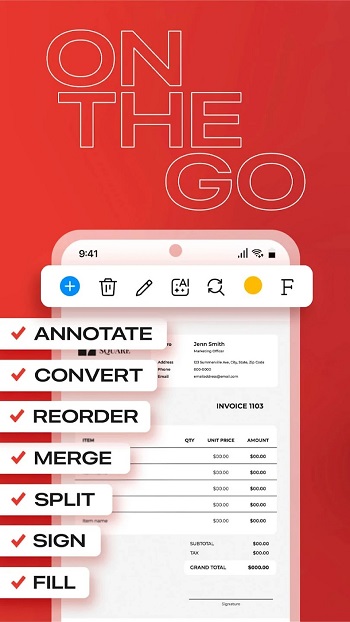
At its core, the app allows you to open, read, and annotate PDF files directly from your device. You can highlight text, add comments, draw with a stylus, or insert digital signatures. The interface is intuitive, and there's no need to create an account just to view or mark up your files. It’s a solid option for users looking for quick and accessible PDF editing.
Beyond basic editing, the app offers tools like merging and splitting PDFs, converting files to other formats like Word or JPG, and adding or removing pages. It also supports features like password protection, watermark addition, and page resizing. Everything is designed to be functional with minimal fuss, even if you're using it for the first time.
The app's biggest strengths lie in its convenience and flexibility. You can import files from cloud storage like Google Drive, edit offline, and work on scanned documents using built-in OCR. The one-click background remover is a nice bonus for users working with images or graphic-rich files. It’s lightweight, quick to load, and built for multitasking.
However, the full editing features—like editing text directly inside the PDF or converting between multiple formats—do require a sign-up or in-app purchase. Some users might also find the free version limited in comparison to the premium features unlocked with payment.
PDF Editor is especially useful for students who need to annotate lecture slides, professionals managing contracts or reports, and freelancers who regularly send out forms or branded documents. Its offline support also makes it a reliable choice in places with limited internet connectivity.
FAQs PDF Editor
What is PDF Editor?
+
PDF Editor is a mobile tool for Android that lets users read, edit, annotate, sign, and convert PDF documents directly from their devices.
Can I edit text and images directly in a PDF using PDF Editor?
+
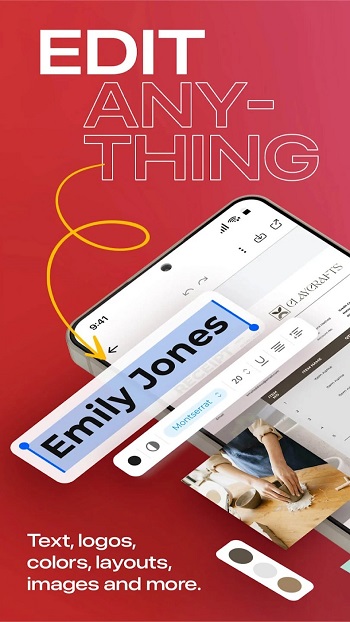
Yes, with a registered account or premium access, you can modify text, fonts, and images directly in your PDF files.
Does PDF Editor support cloud storage integration?
+
Yes, it connects with Google Drive, Dropbox, and OneDrive, so you can easily access and save your documents online.
Is PDF Editor free to use?
+
Basic features like reading and annotating are free. More advanced tools like editing content or converting formats require in-app purchases.
Who should use PDF Editor?
+
It’s a good fit for students, professionals, and freelancers who regularly work with PDF files and need tools like signatures, merging, or file conversion.
Discover More Interesting Apps
-

iGOT Karmayogi
v5.0.8
46.62 Mb
Updated -
Mod
Spatial Touch
v1.2.19
100.28 Mb
Updated -
Mod
InSave
v2.0.8
32.25 Mb
Updated -
Mod
Ad Blocker
v7.6.16
39.00 Mb
Updated -
HaloVPN
v20.1.1
102.55 Mb
Updated -
Mod
LTE Discovery
v7.6.25
26.16 Mb
Updated -
Internet Speedtest
v7.1.2
28.11 Mb
Updated -
Flezen
v1.8.5
48.48 Mb
Updated -
Ziru_27
v3
1.3 GB
Updated -
Mod
Proton VPN
v5.20.98.0
63.00 Mb
Updated










Share Your Thoughts